EPUB 2 and EPUB 3
Read reflowable EPUB books with chapter navigation, nested tables of contents, publisher styles, images, embedded fonts, internal links, and RTL metadata where the publication provides it.
Powerful enough for serious readers. Simple enough for everyone.
TReader is a private, offline-first EPUB, PDF, and TXT reader for Android. Open your own files, set up the page for comfort, and keep your library on your device.
TReader is preparing for closed testing. It is not available on Google Play yet. No public launch date has been announced.
These are real TReader screens from the current 0.4.0 development build using public-domain or generated QA content.
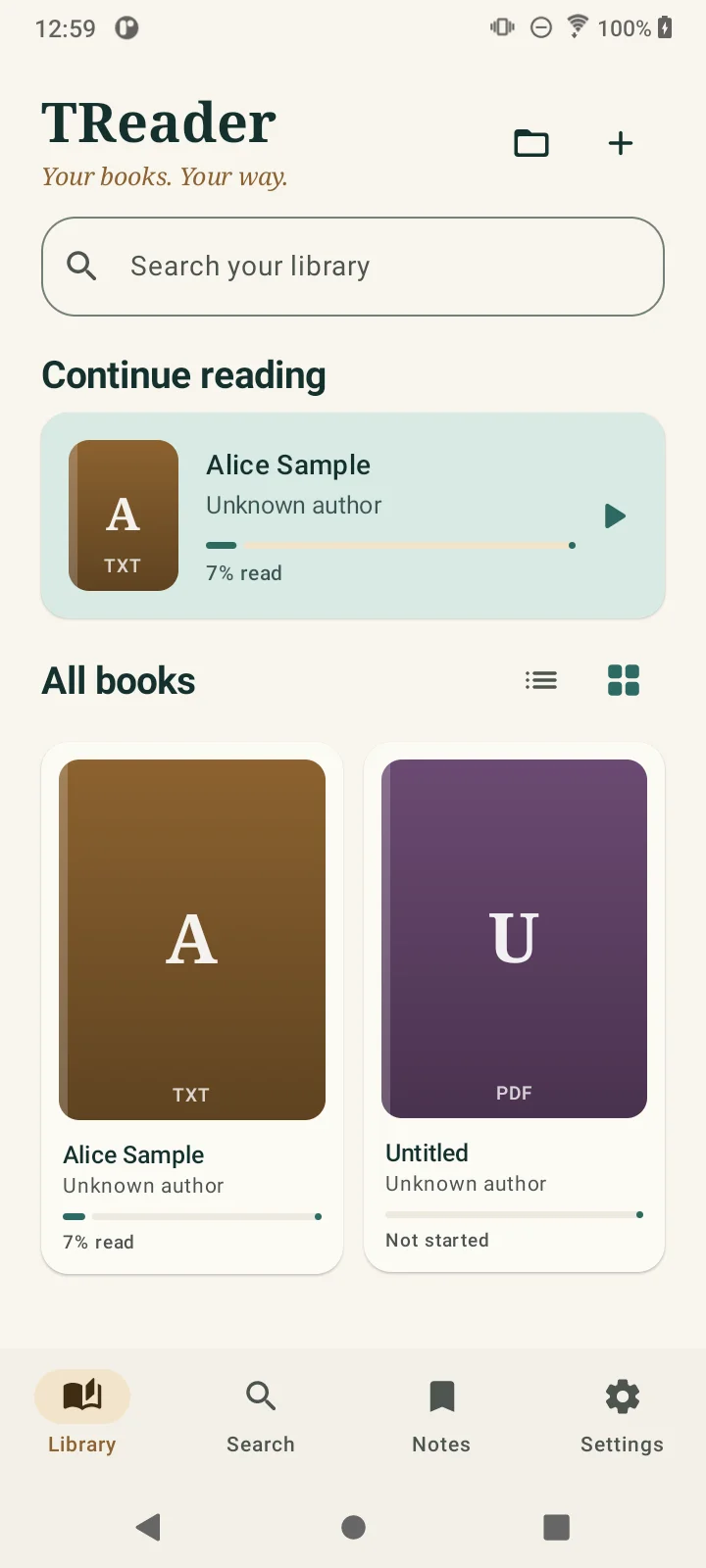
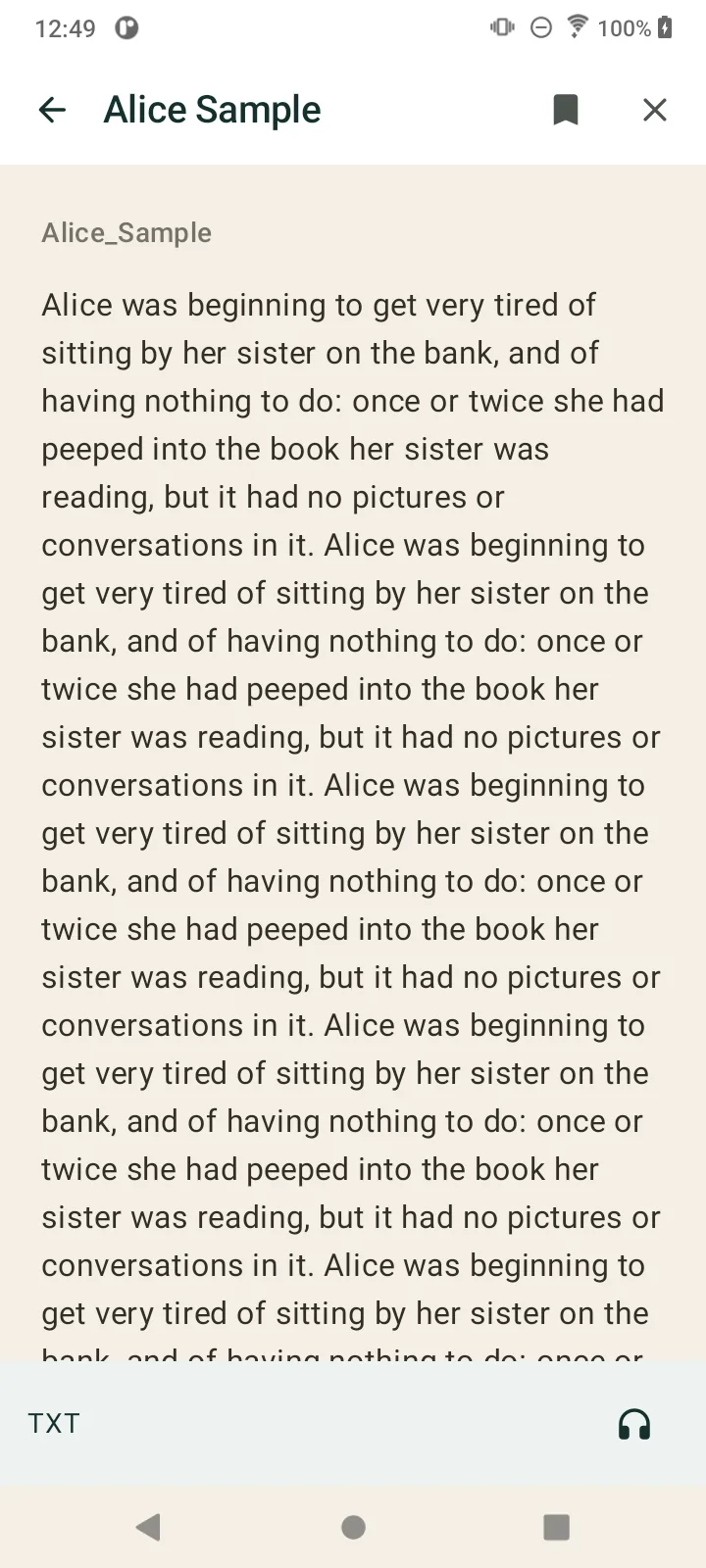
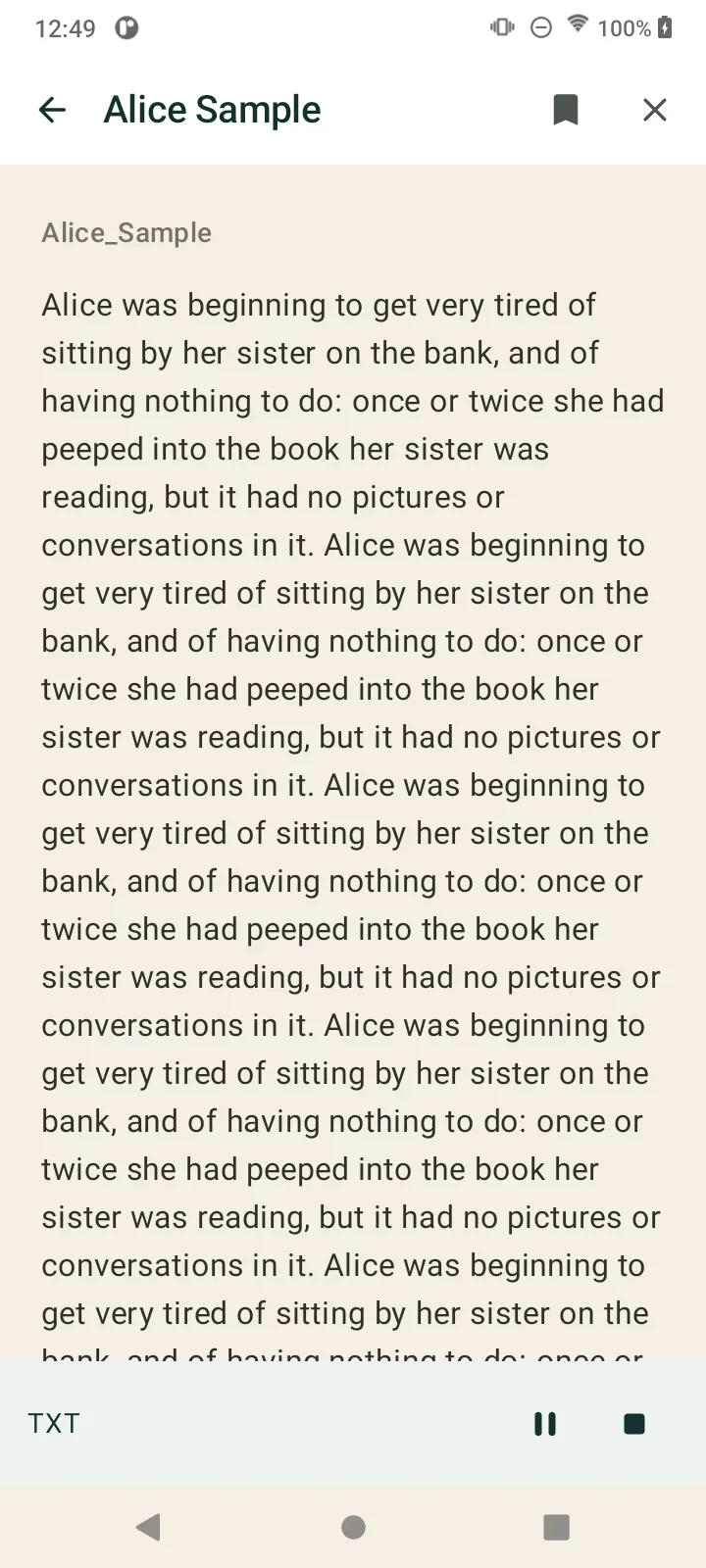
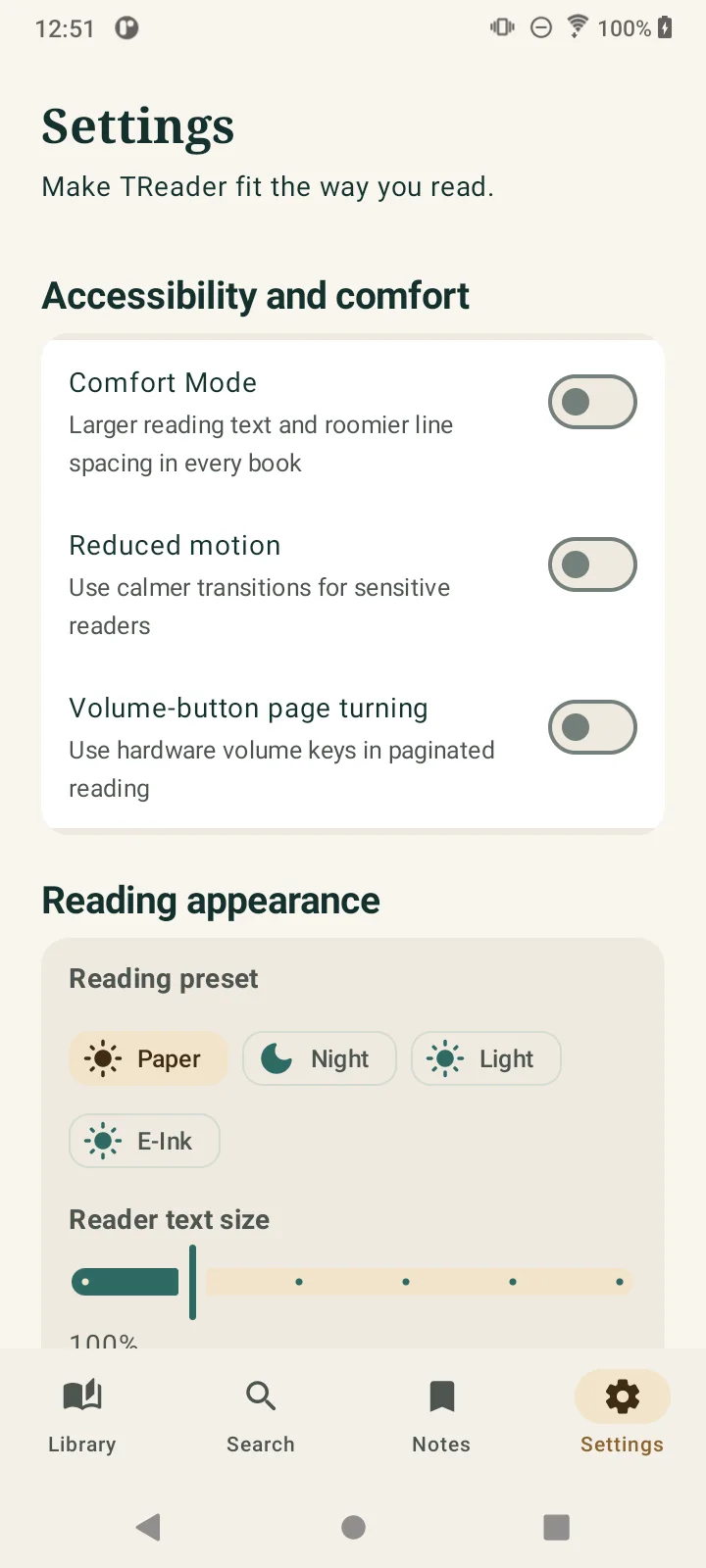
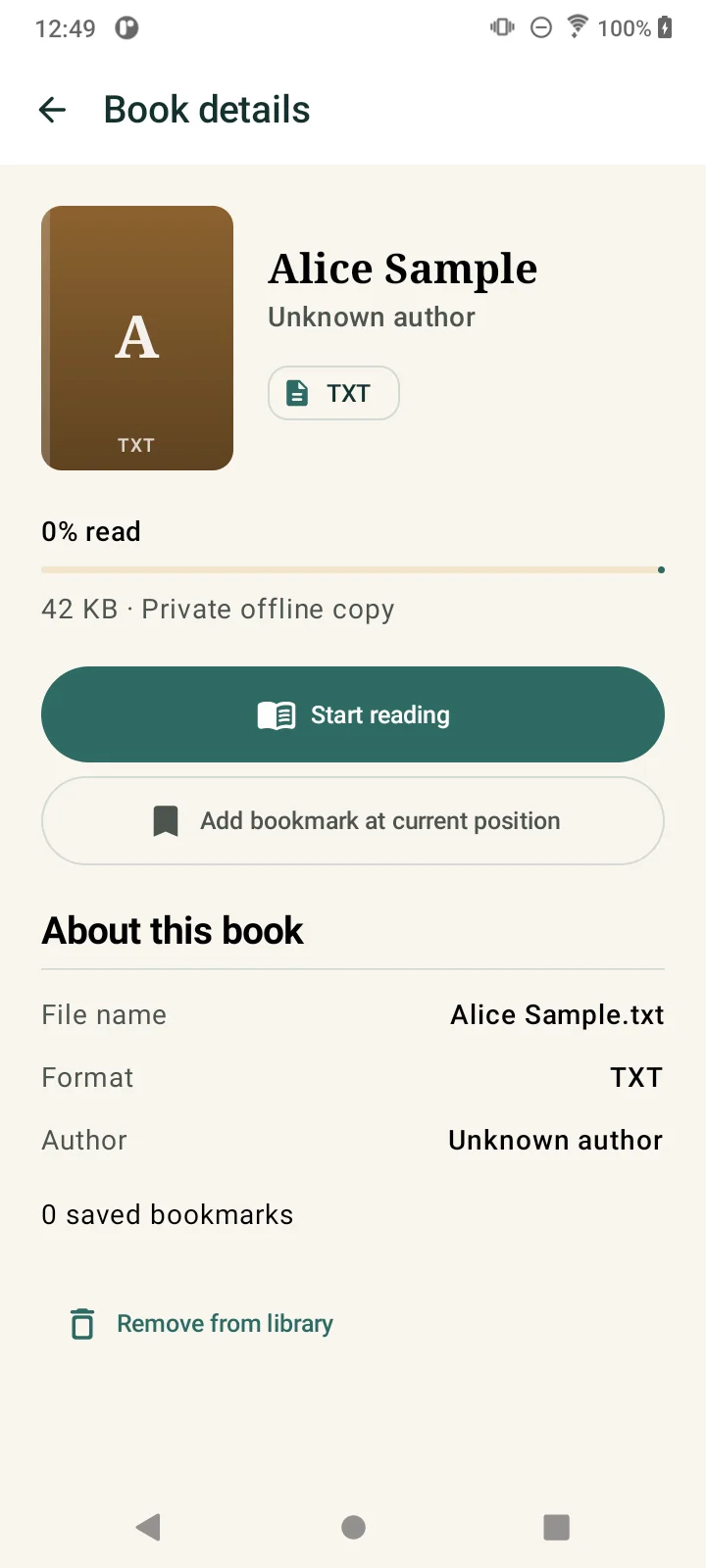
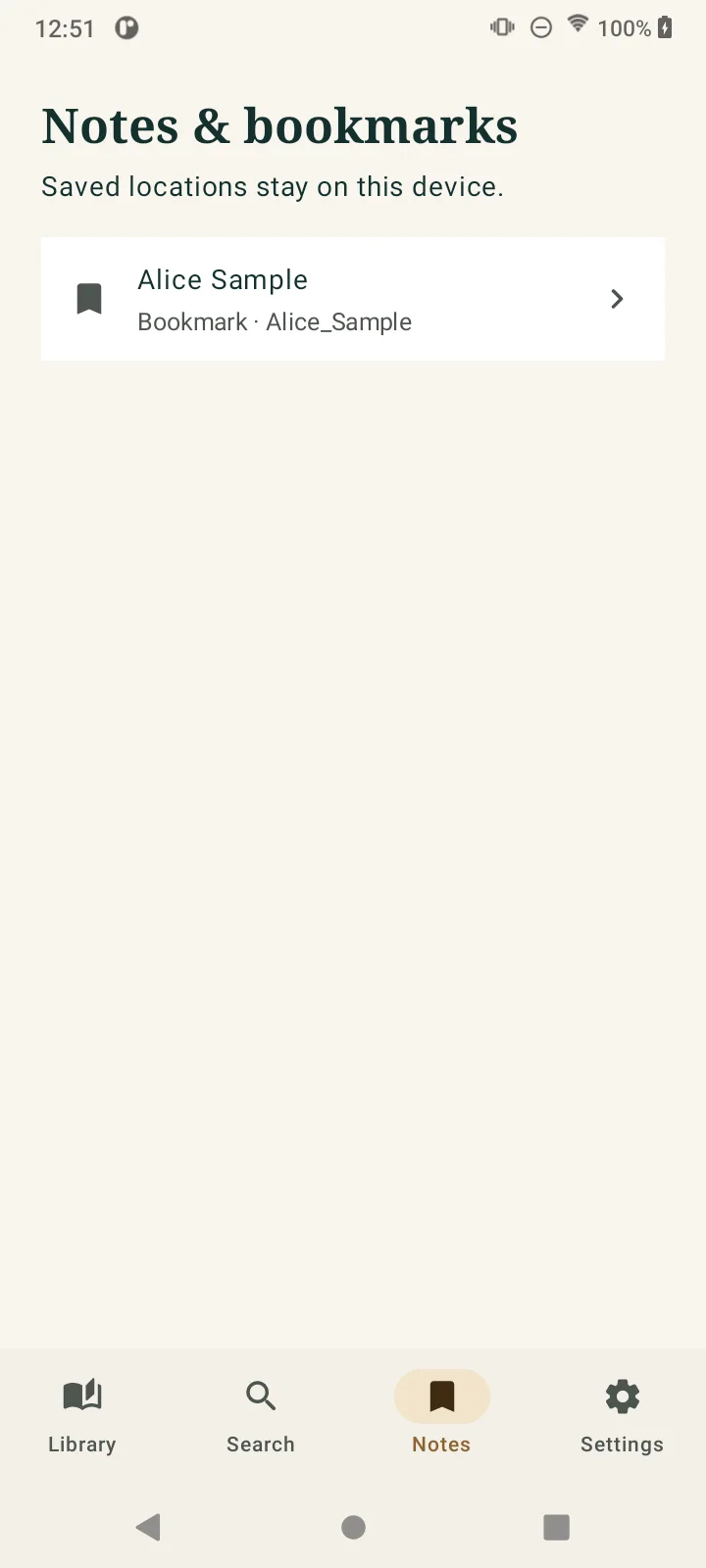
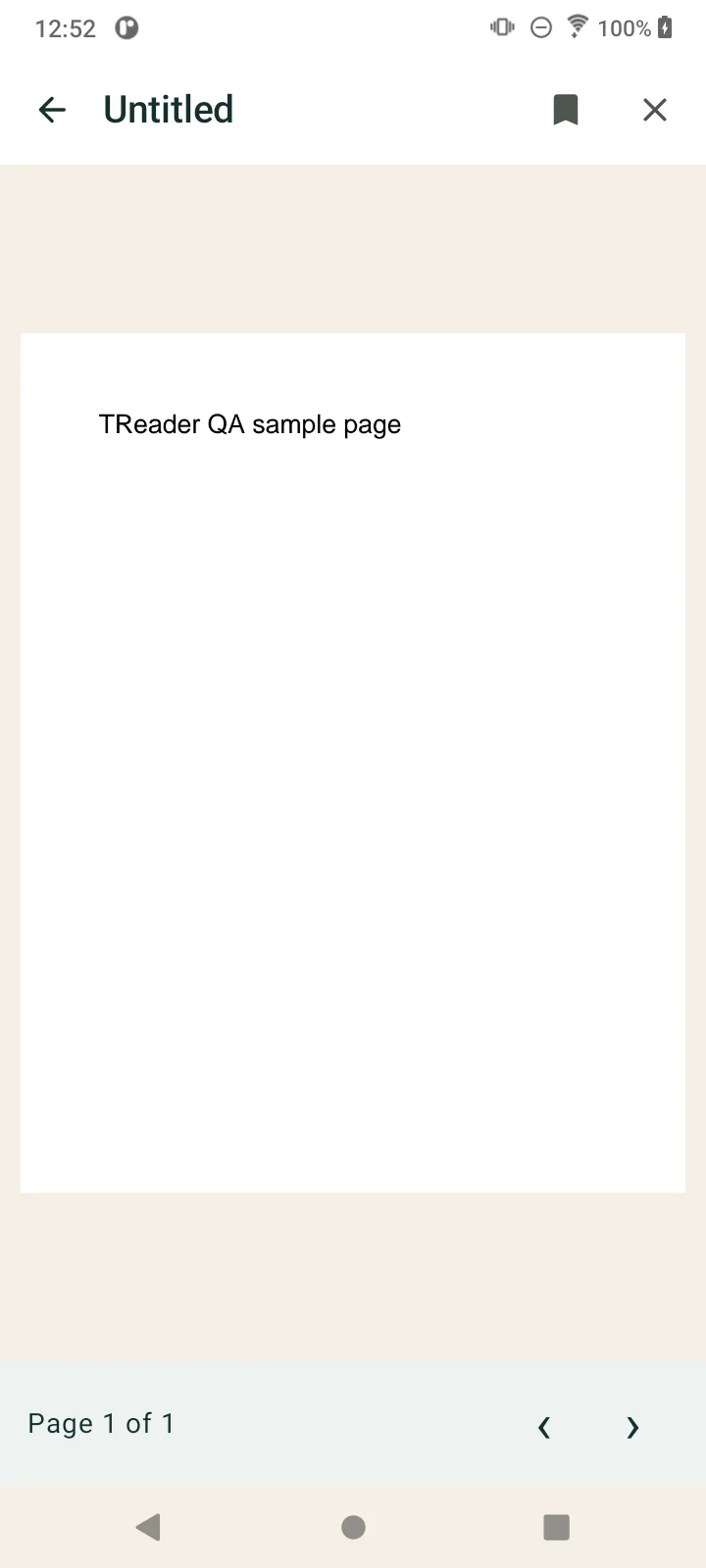
TReader keeps the normal path simple, while leaving room for serious readers who want more control.
Read reflowable EPUB books with chapter navigation, nested tables of contents, publisher styles, images, embedded fonts, internal links, and RTL metadata where the publication provides it.
Open local PDFs with background page rendering, page-position restoration, zoom, and pan. TReader does not claim PDF search, annotations, OCR, or text reflow.
Open UTF-8 and UTF-16 text files for a simple, offline reading experience with progress and foreground read aloud.
Import files or folders through Android's document picker. TReader keeps a private copy so the original file you selected is not changed.
Restore reading position, move through EPUB chapters, use nested contents, and save bookmarks or supported reading locations.
Choose text scale, line height, paragraph spacing, margins, alignment, publisher styles, scroll or paginated reading, and built-in reading presets.
Reading should not require a perfect device, perfect eyesight, or a complicated setup. TReader is designed with clear labels, large touch targets, strong contrast, and settings that are easy to find when you need them.
Foreground Android TextToSpeech is free. Choose from the voices installed on the device, then pause, resume, or stop while using the reader.
TReader Pro is being prepared for background and screen-off read aloud with media notification controls, a sleep timer, and saved voice profiles. Those premium playback behaviors are still going through final device and Google Play testing.
Core reading should stay available to everyone. TReader Pro is intended for the people who want deeper read-aloud tools.
Free
One time through Google Play when configured
Background playback is implemented in the current candidate, but final hardware and Google Play testing is still required. Localized pricing, if offered, will be shown by Google Play. There is no subscription.
Books are copied into app-private storage for local reading. TReader does not require an account, include advertising or analytics SDKs, sell user data, or upload your library to a cloud service.
When you choose to export a backup, Android lets you select where that backup file goes. TReader does not include entitlement rows or purchase tokens in the backup.
These are the formats TReader currently advertises. DRM-protected Kindle books, MOBI, AZW3, CBZ/CBR, DJVU, HTML, Markdown, and audiobooks are not supported.
Fixed-layout EPUB quality, EPUB search, selection notes, and synchronized highlighting are not advertised as complete features.
Short answers about what TReader is, where it is going, and what it does not promise yet.
Yes. TReader Free is being built as a useful reader for EPUB, PDF, and TXT files with local reading, progress, core bookmarks, foreground read aloud, and local backup and restore.
No. The current app has no advertising SDK and does not require an account for local reading.
Yes. Imported books are copied into app-private storage for offline reading. Google Play is used for purchase-related communication when Pro is configured.
TReader keeps its private reading copies inside the app's private storage. Removing a book from TReader removes that private copy, not the original file you selected.
Foreground Android TextToSpeech read aloud is free. TReader Pro is planned to add dependable background playback, screen-off playback, media controls, a sleep timer, and saved voice profiles after final testing.
TReader uses adaptive Android layouts and is designed for phones, tablets, larger windows, and supported Android e-ink devices. Device-specific TalkBack, e-ink, foldable, and large-font checks still need manual testing.
No. TReader is for local, DRM-free EPUB, PDF, and TXT files. Protected Kindle books and other DRM formats are not supported.
TReader Pro is planned as a one-time lifetime upgrade for advanced background read-aloud tools. Core reading, accessibility, and backup stay free. There is no subscription.
TReader is preparing for closed testing. It is not available on Google Play yet, and no public launch date has been announced.
TReader is preparing for closed testing. Explore the current direction, read the privacy policy, or look through the other Android apps Ben is building.
Made by Ben Treder in Sacramento, California. No download link is available yet.