Website help
Fixes, cleanup, redesigns, speed, SEO basics, WordPress issues, and anything website related.
Treder Tech is a simple way to request website help, tech help, or project support from Ben Treder. Android users can install it from Google Play, and iPhone users can use the web app at app.bentreder.com and add it to their Home Screen.
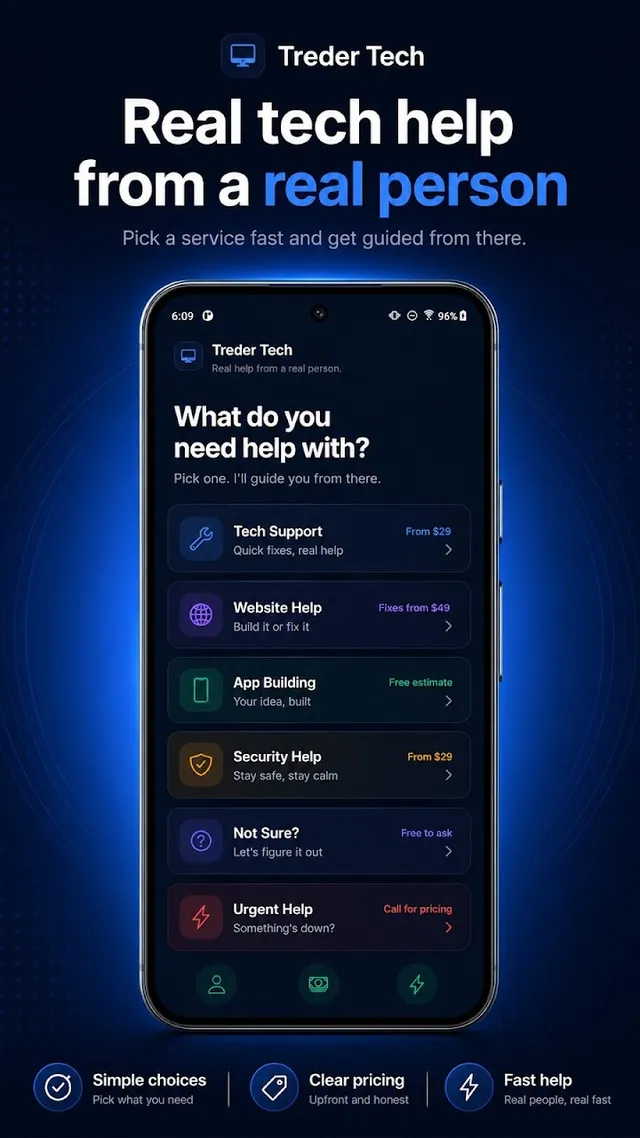
Treder Tech keeps it simple: describe what you need, send it, and I follow up.
Fixes, cleanup, redesigns, speed, SEO basics, WordPress issues, and anything website related.
Computer, network, security, and everyday tech problems where the next step is unclear.
New projects, app ideas, tools, and ongoing work you want help planning or building.
A direct line for follow-ups and status on requests you have already sent.
Pick a service, answer a few quick questions, send the request, and track it until it is done.
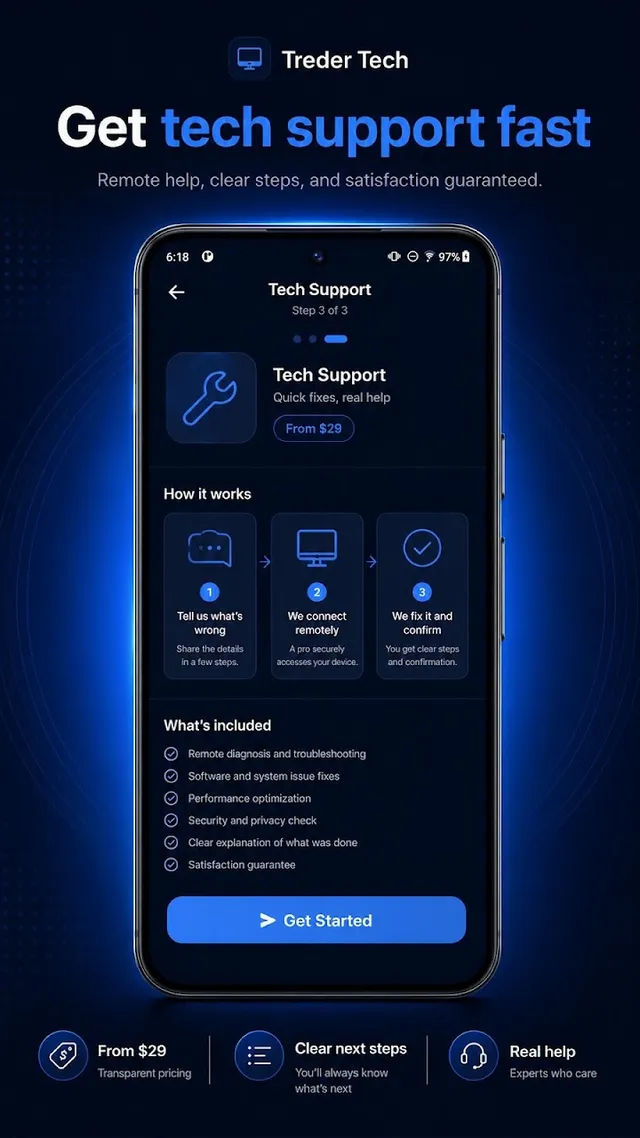
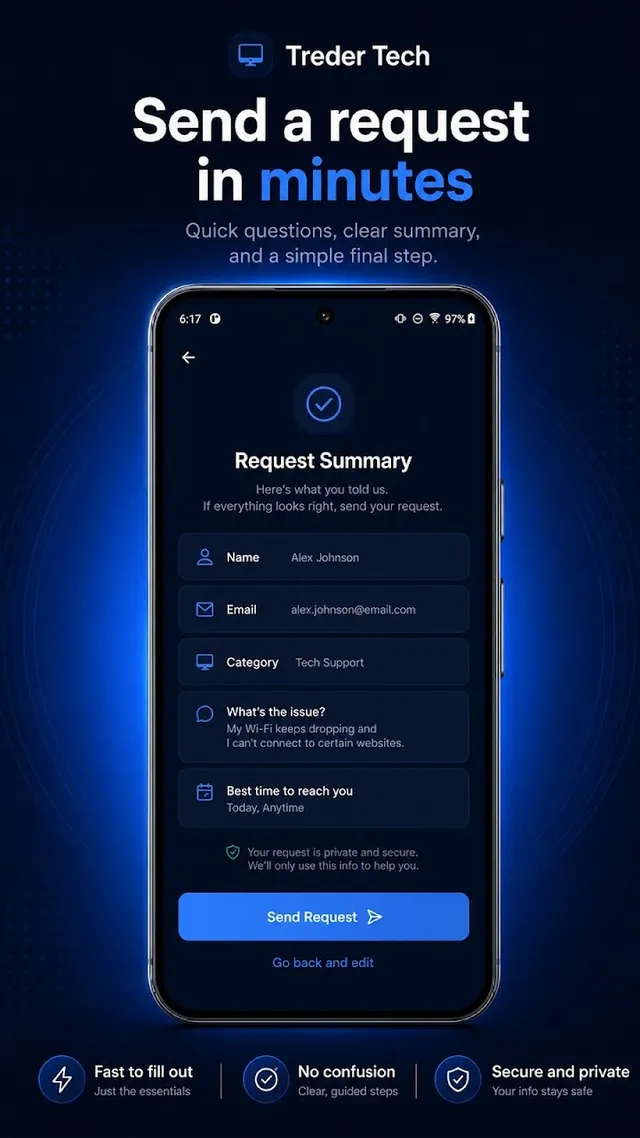
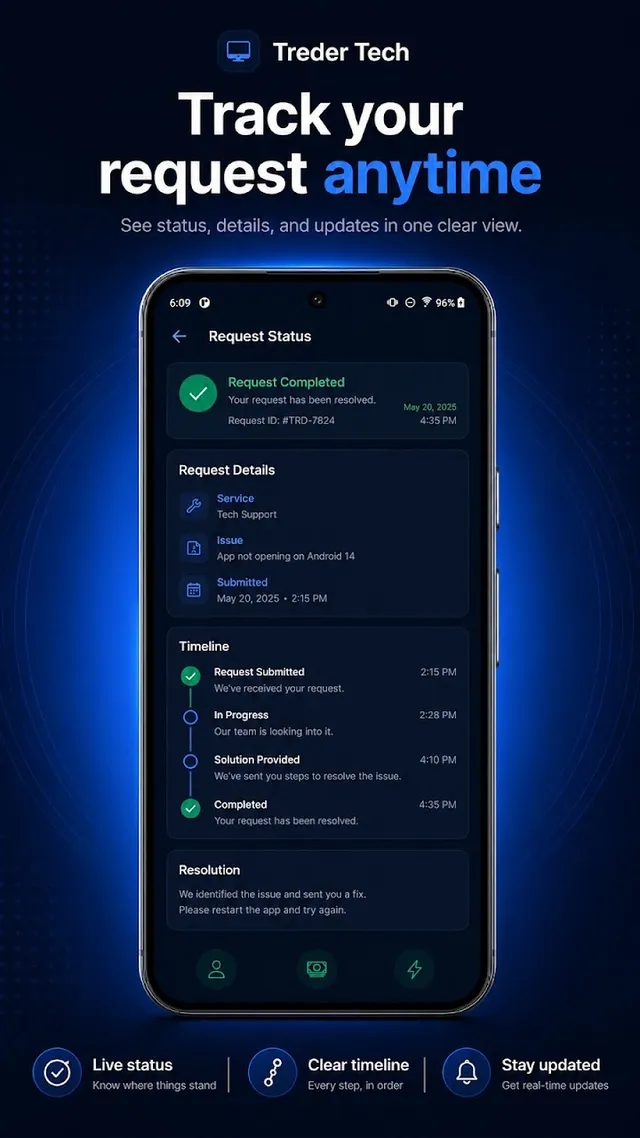
Treder Tech is available on Google Play for Android phones and tablets. Install it like any other app and send a request whenever you need help.
On iPhone, use the web app. It works in the browser and can be installed to your Home Screen so it opens like an app:
This is not an iOS App Store app. It is the web app installed to your iPhone Home Screen.
A lot of website and tech problems sit unfixed because reaching out feels like a chore. Treder Tech puts a simple request button on your phone. Describe the problem in plain words, send it, and I take it from there. It is built as a fast, installable web app, with a native Android version on Google Play.
Yes, Treder Tech is available on Google Play.
Not right now. iPhone users can open app.bentreder.com in Safari and add it to their Home Screen.
Website help, tech help, project requests, and support from Ben Treder.
Yes, it is the web version of the Treder Tech experience.
Android users can install it from Google Play. iPhone users can open app.bentreder.com in Safari and choose Add to Home Screen. Prefer the old-fashioned way? The contact page works too.