Stuck on an error message? I can help.
Use CheckMyError AI on Android or the web to understand the problem, or send it to me if you would rather have someone fix it for you.
Error messages are stressful, especially when your website or store is involved. Start by getting a plain-English explanation from the AI tool. If it still feels confusing, send it over and I will take a look.
Some errors are quick to sort out. Others need deeper troubleshooting. I will always be straight with you about which is which.
Two ways to get unstuck
Start with the tool, or hand it off to me. Both are fine, and you can switch from one to the other at any point.
Try the AI tool
Paste an error message into CheckMyError AI and get a plain-English explanation of what it likely means, plus safe next steps you can review before you change anything. The Android app is now available on Google Play, and the web app is still available too.
Hire Ben to help fix it
If the error still feels confusing, or you would just rather not touch it yourself, send it to me for review. Depending on the issue, that can turn into done-for-you fixing or a clear set of next steps.
What I can help with
These are the kinds of website and server errors I see most often. If yours is not listed, send it anyway and I will tell you honestly whether it is something I can help with.
- WordPress fatal errors
- Plugin and theme conflicts
- WooCommerce issues
- PHP errors
- Hosting problems
- DNS and SSL issues
- Website forms not working
- Broken pages
- Speed or security warnings
- Basic Linux and server troubleshooting
Supported platforms
CheckMyError AI recognizes errors from a wide range of devices, systems, and apps. Pick a category when you paste your error, or let Auto detect figure it out.


How it works
Start small, see how far the tool gets you, and bring me in only if you need a hand.
- Step 1: Paste the error into CheckMyError AI.
- Step 2: Review the explanation and safe steps it suggests.
- Step 3: If it still feels confusing, send me the error and your site details.
- Step 4: I review it and give you next steps or a quote.
Ways I can help fix it
These are simple starting points. The right fit depends on what the error turns out to be once I take a look.
Quick Error Review
Starting at $49
Good for one error message, warning, or broken page that needs a quick review.
Website Fix Session
Starting at $149
Good for WordPress issues, plugin conflicts, forms, SSL or DNS problems, or site errors that need hands-on troubleshooting.
Custom troubleshooting quote
For larger issues
Good for deeper hosting, WooCommerce, server, plugin, or multi-step website problems.
An honest note on pricing Some issues are simple, some need deeper troubleshooting. I will always be honest about what I can fix and what may require hosting support, a plugin vendor, or a specialist.
Who you are working with
I build and maintain websites, WordPress tools, SEO pages, and small business web systems. I also build my own tools, including CheckMyError AI, so I understand both the technical side and the small business side.
CheckMyError AI in action
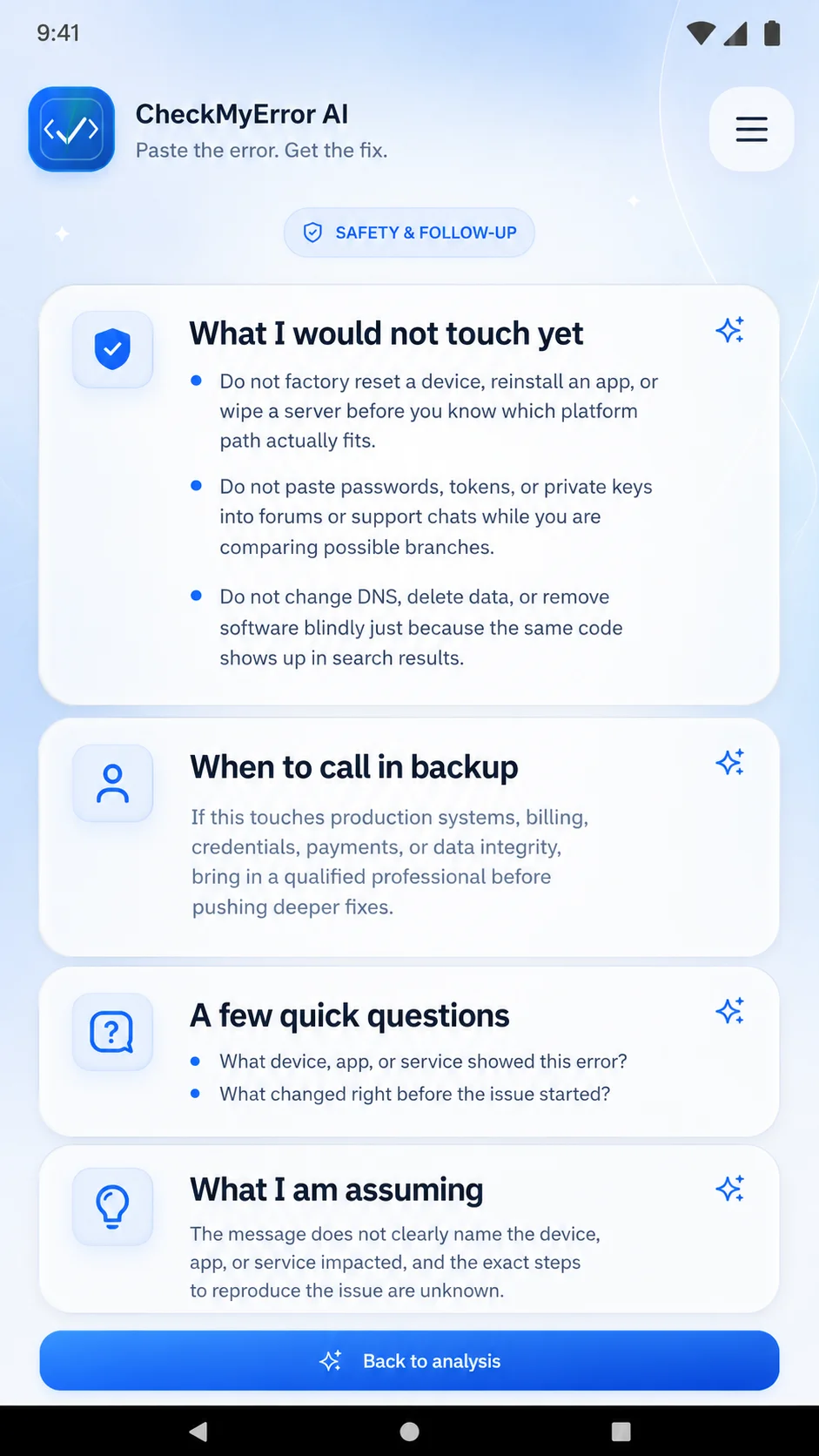
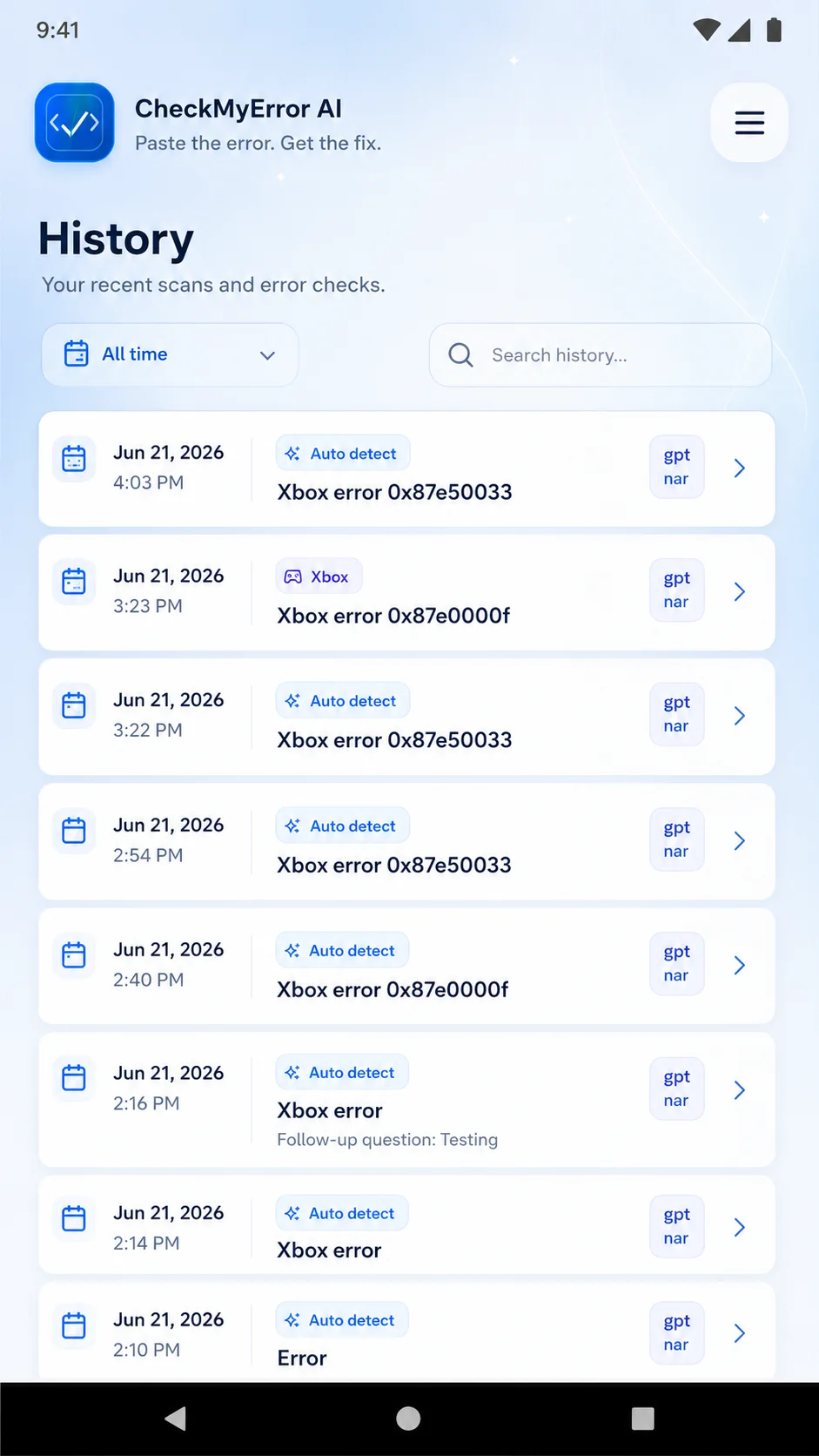
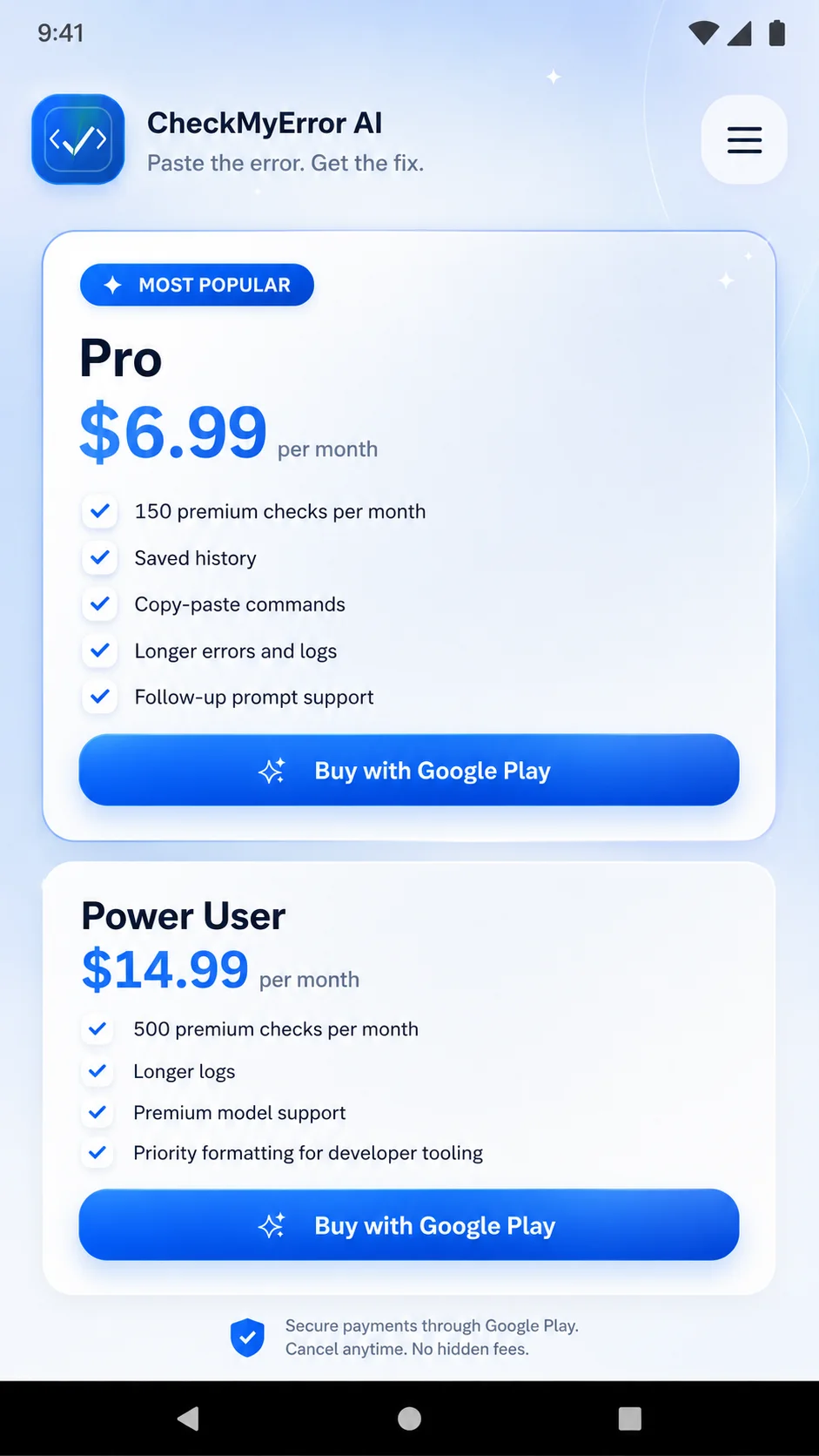
A quick look at how the app turns confusing errors into plain-English explanations, safer steps, and helpful follow-up guidance.
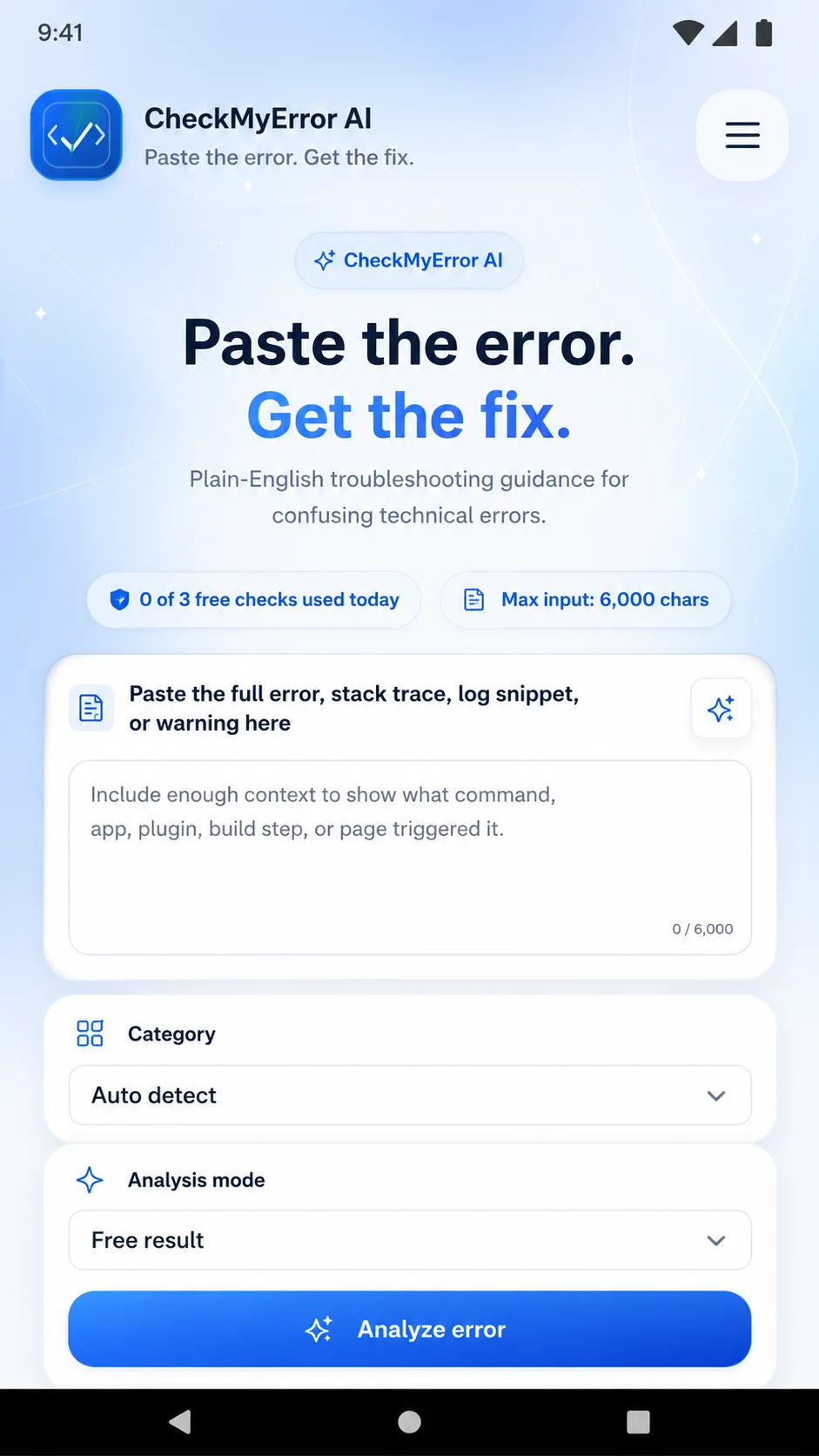
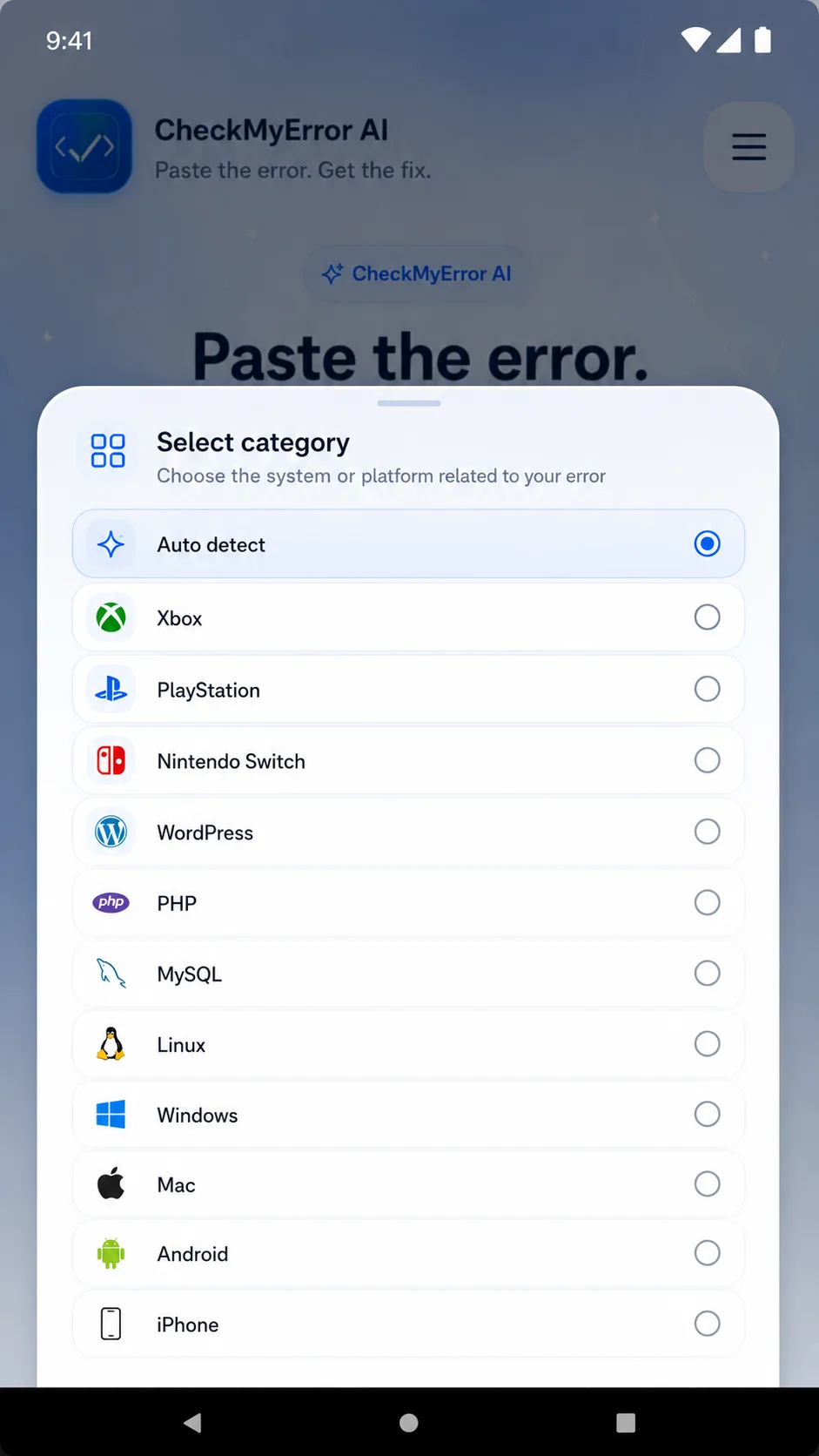
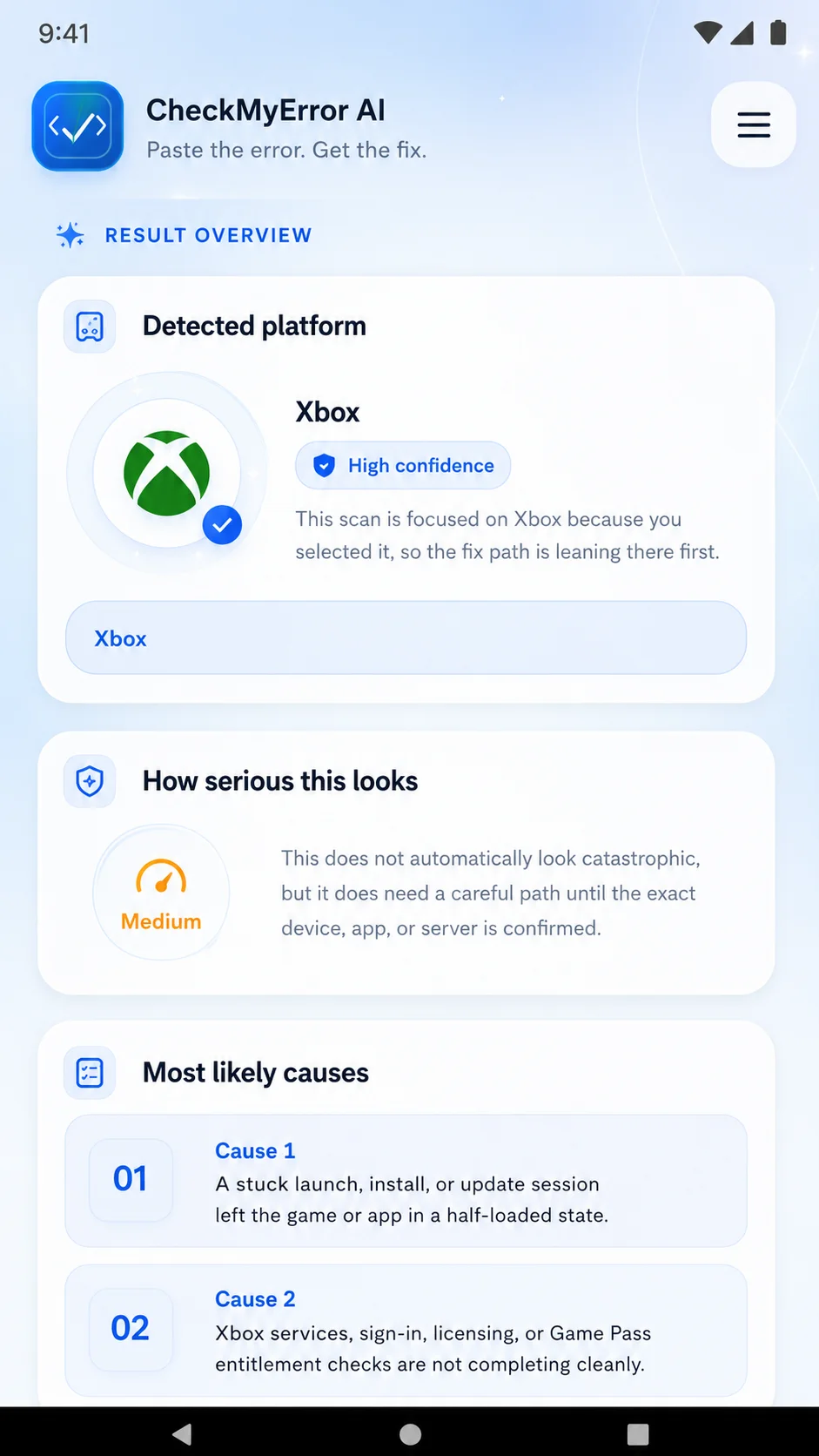
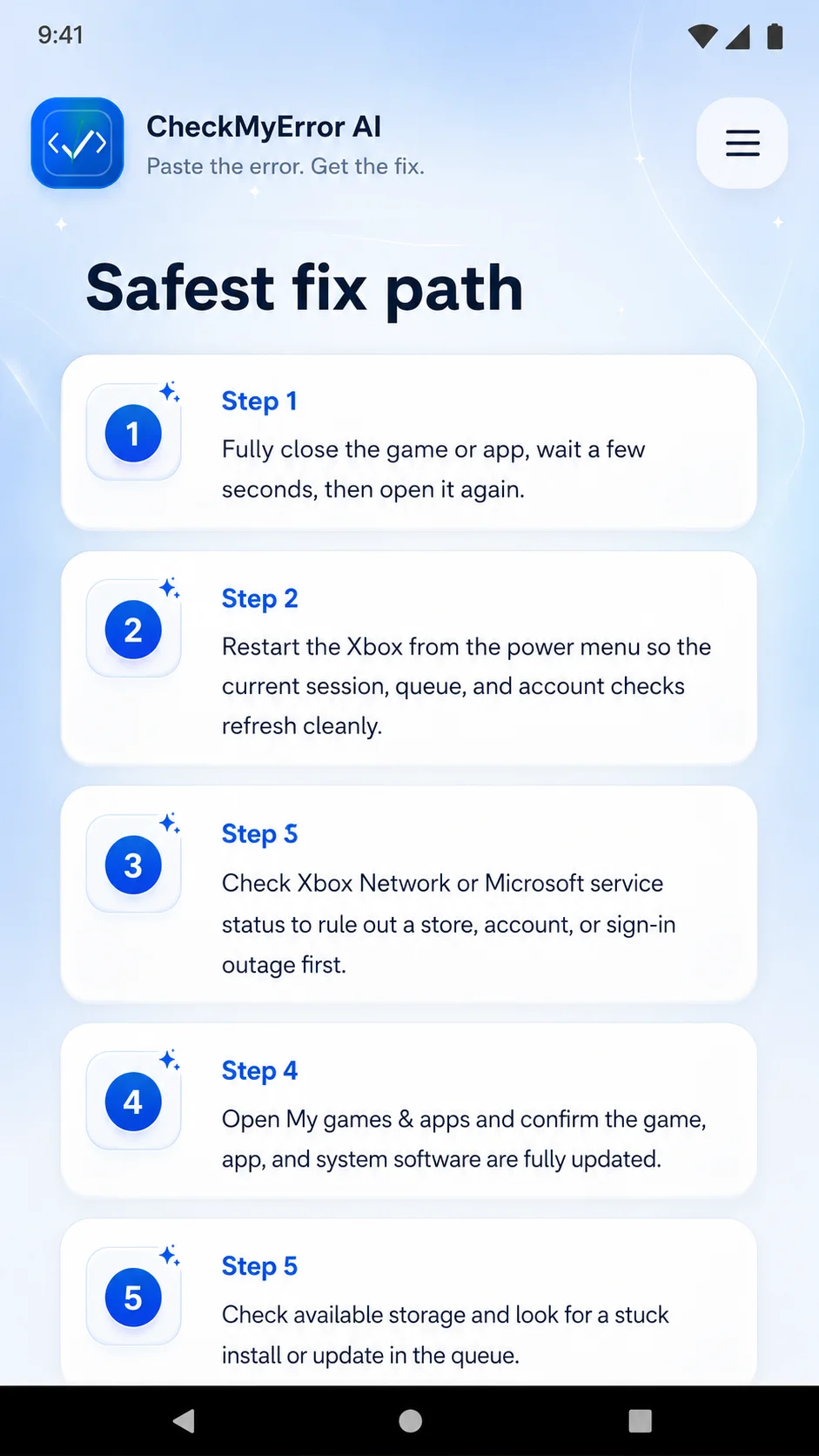
Free to start. No account required for a basic check.
FAQ
Quick answers before you try the tool or reach out.
Is CheckMyError AI free to try?
You can install CheckMyError AI from Google Play or open the web app and use the options available there. The app page has the current details on what is included.
Is CheckMyError AI on Google Play?
Yes. The Android app is available on Google Play, and I also keep the web app available for browser use.
Can you fix every error?
No. Some issues are simple, and some depend on hosting, plugin vendors, server access, or third-party systems. I will be honest about what I can help with.
What should I send you?
The exact error message, the page where it happens, what changed recently, your website platform, and any screenshots.
Do you work on WordPress?
Yes. I can help with WordPress errors, plugins, themes, WooCommerce, forms, SSL, DNS, and hosting-related issues.
Is this only for local businesses?
No. I help Sacramento-area businesses, but the tool and troubleshooting help can be useful for website owners outside the area too.
Ready to understand the error?
Start with the Android app or web app for a plain-English explanation, or send the error to me if you would rather have someone handle it.
Made by Ben Treder • BenTreder.com